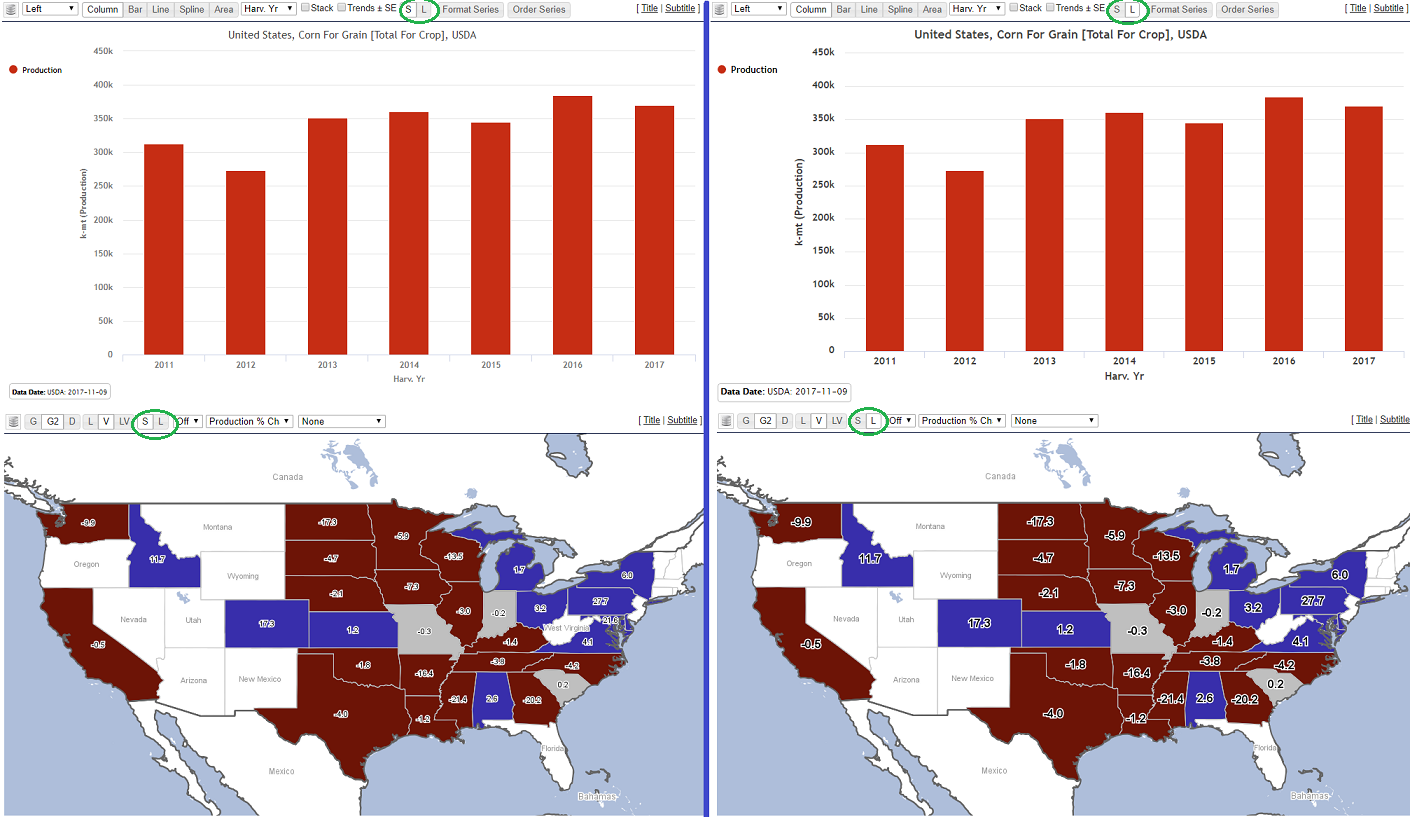
You can now elect for a widget to show its labels and/or titles in larger and bolder fonts. A new <S, L> radio toggle button has been added to corresponding map/chart widget control bars. The S (small) button is default and shows the font sizes the same as they have been. The L (large) button allows you to increase the font sizes to a larger and bolder form that may be more suitable for printing. Note that increased label sizes for chart axes and map labels may result in fewer labels being visible (due to less space), but you can adjust by increasing the width and height of the widget.