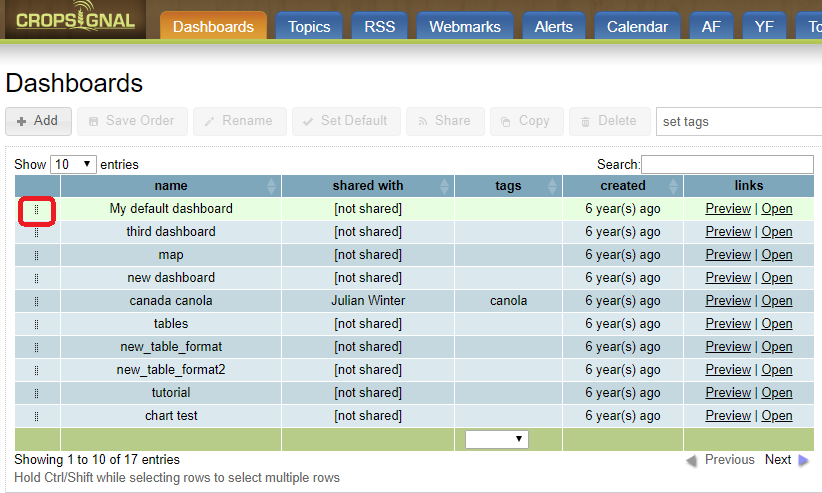
Dashboards can now be manually ordered from the index page. You can click the little “grab” icon in the first column and drag-and-drop dashboards into the desired order. Once completed, make sure you click the ‘Save Order’ button to preserve the order on your account. You can also sort the dashboards by the columns in the table (e.g. name, created), but if you do that, you cannot manually re-order the columns without refreshing the page.