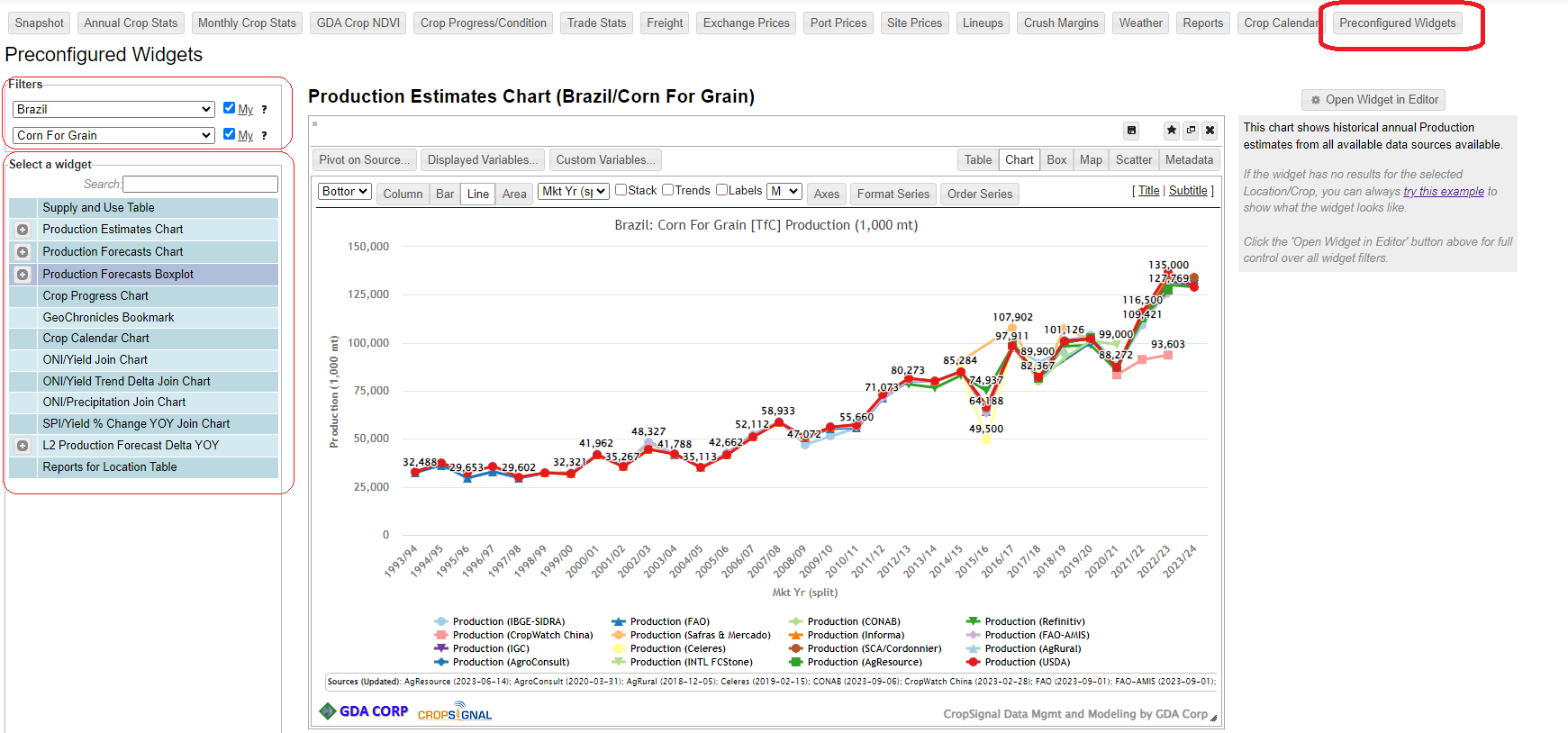
We have added a new Topic titled Preconfigured Widgets. You can find it in the Topics menu. The goals of this topic were:
- Make it easy to find a specific commonly used widgets (including complex joins types that follow predefined structure/format) all in one place
- Make it easy to see “situation” for specific country/crop in one place – e.g. you pick country/crop then you can click through available widgets to see data for it (if data is available)
- Create customized editors for each widget where only relevant selections are required.
- A simple entry point for CropSignal that requires only three clicks to generate a widget
Simply choose a country and a crop from the filter list, then choose a widget from the table below to visualize it. Unclick the “My” checkboxes to expand country/crop lists to the full lists (country/crops are limited to those covered by PS&D data). To apply widget to different filters (e.g. subnational data), click the ‘Open Widget in Editor’ button for expanded filters for the widget.
Please try it out and give us any feedback including any requests for new widget types to be added there!